
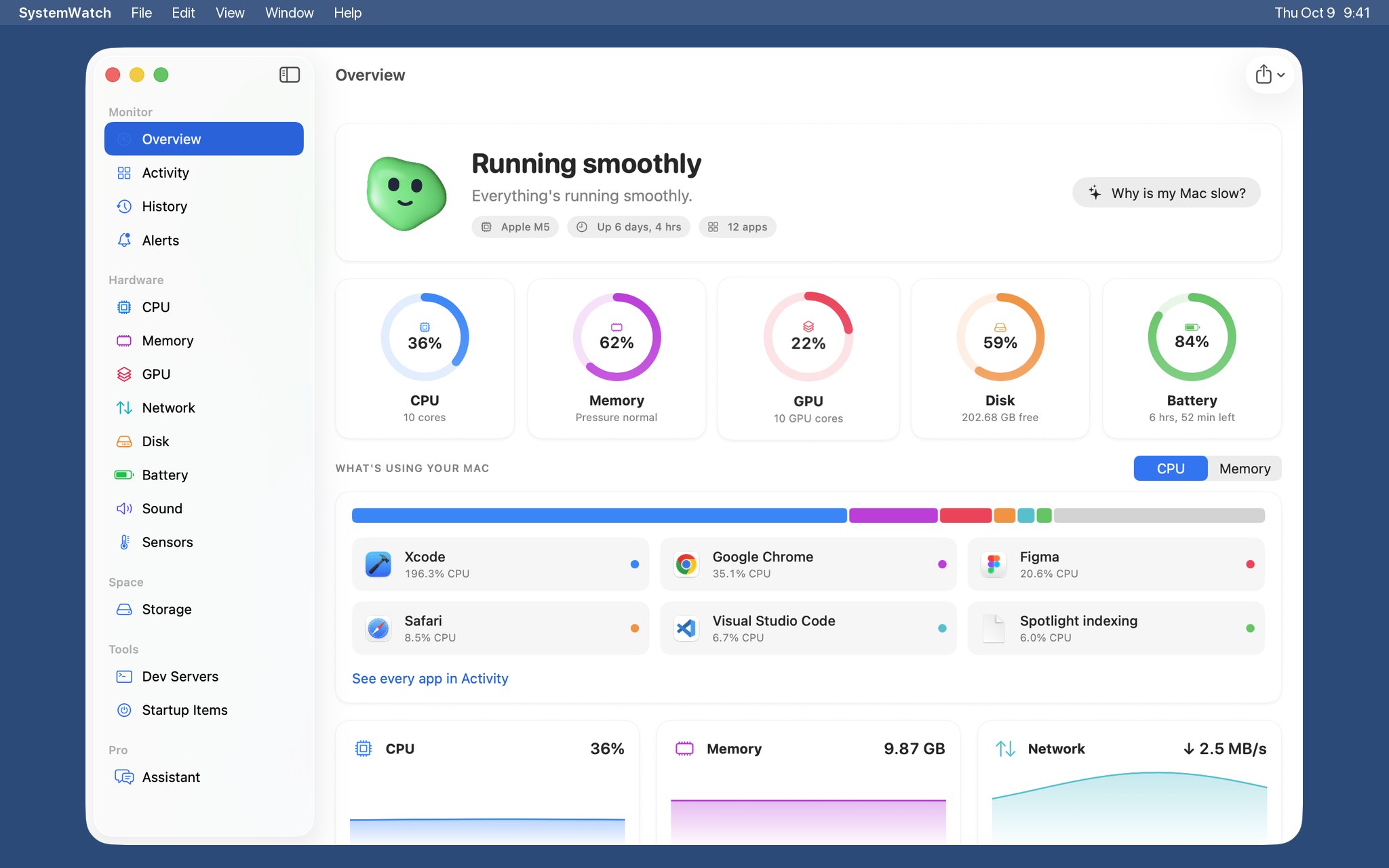
A real Task Manager.
Every process under its app, with what it's using and whether that's normal. Quit, pause or slow down anything.
$14.99 $5.99 for the first 100 copies
Meet SystemWatch.
Every app. Every sensor.
Every gigabyte.
All in plain words.
What your Mac is doing, why, and what to do about it.
Every process under its app, with what it's using and whether that's normal. Quit, pause or slow down anything.
Performance and efficiency cores, graphics, memory, storage, battery and airflow.
Finds what's slowing your Mac and fixes it in one click. Every change can be undone.
Every helper that launches on its own, including the ones deleted apps left behind.
What kept your Mac busy last night. Kept on your Mac.
Plain answers about speed, memory, battery and space.
Node, Python and Ruby servers still holding memory and ports.
Caches, old installers and app leftovers, each explained. Cleanups go to the Trash.
The whole Mac, plus the processor, graphics, Neural Engine and memory on their own.
One button. SystemWatch checks everything that slows a Mac down, your AI explains it, you choose what to fix.
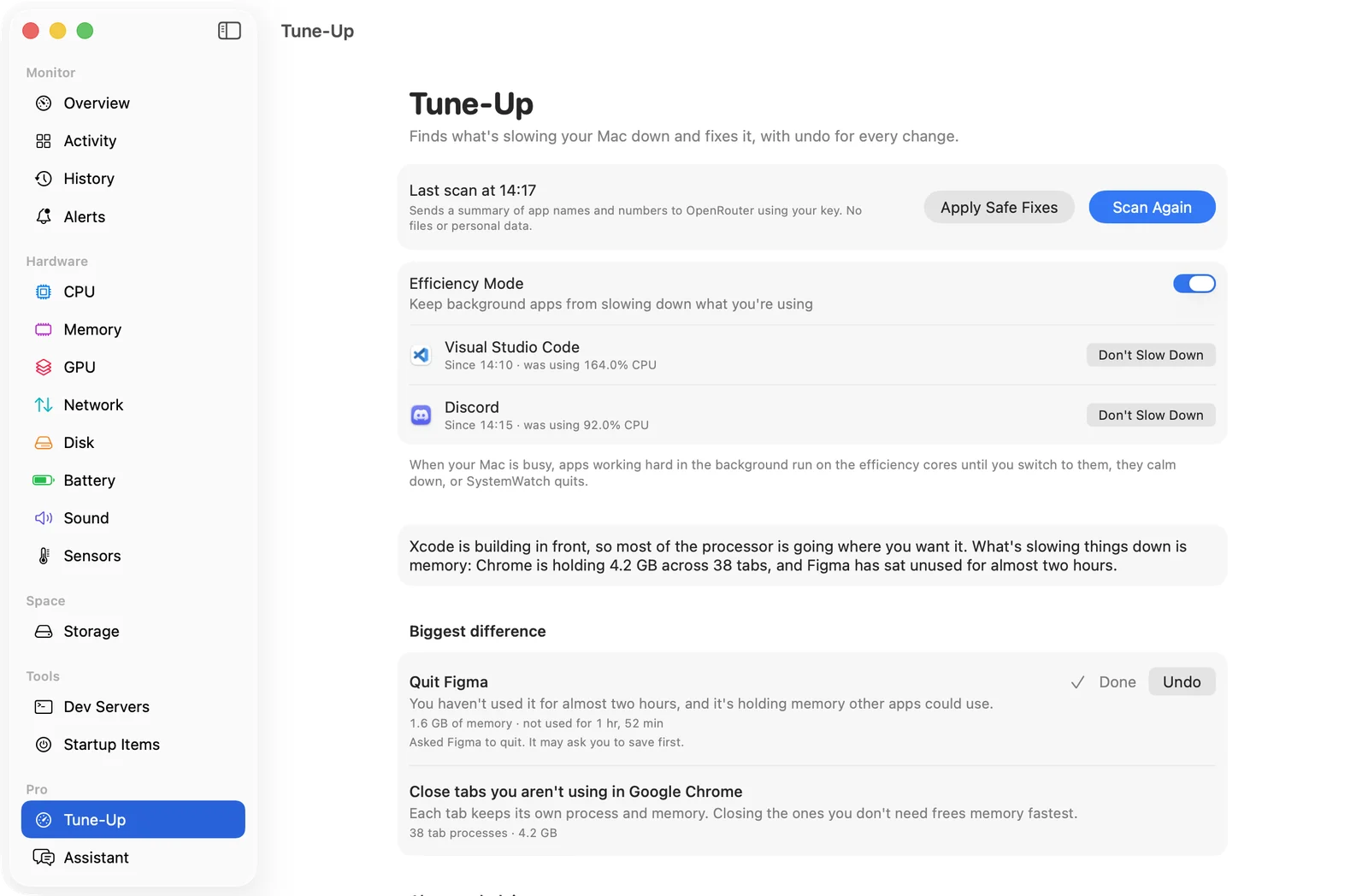

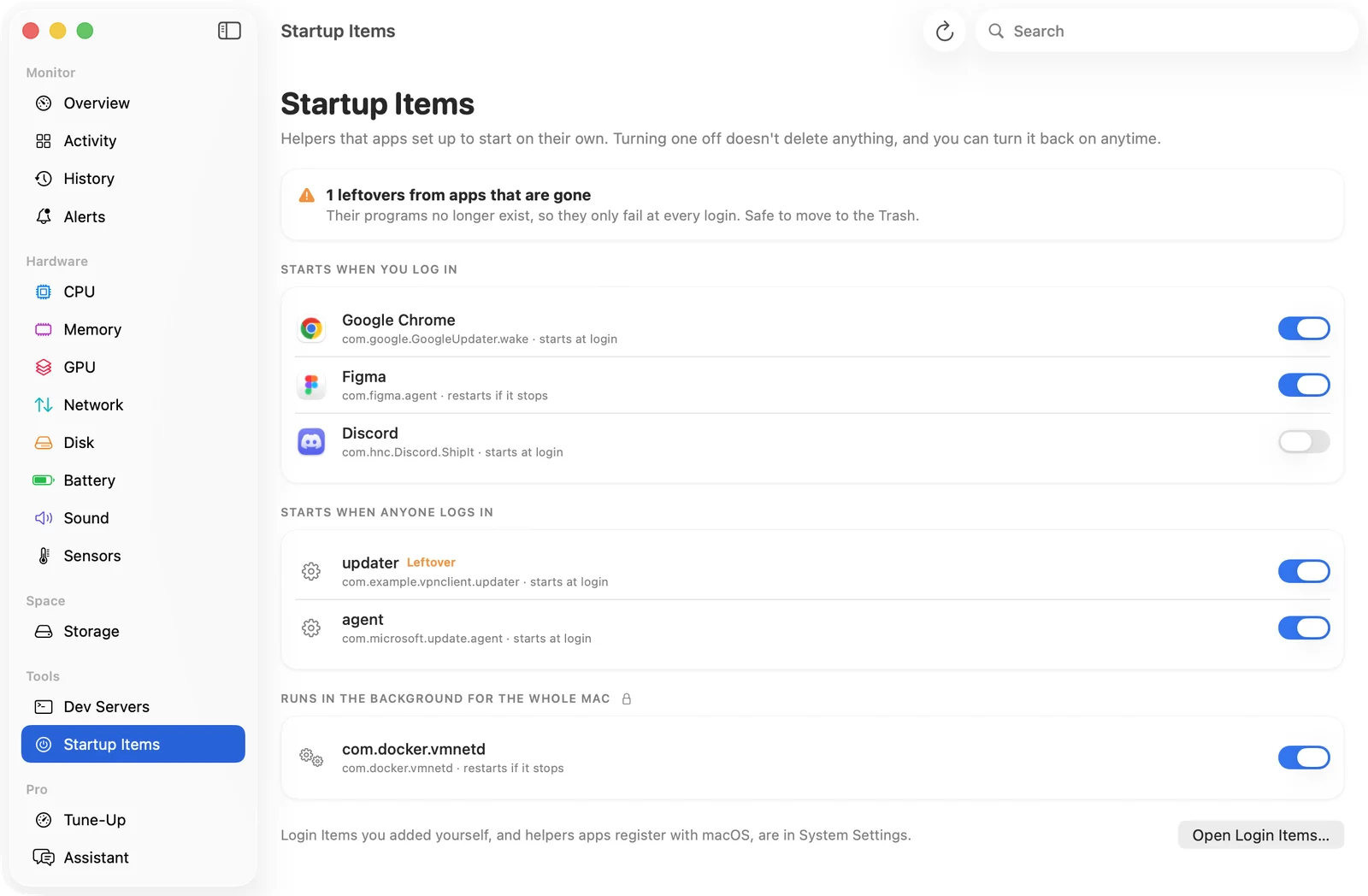
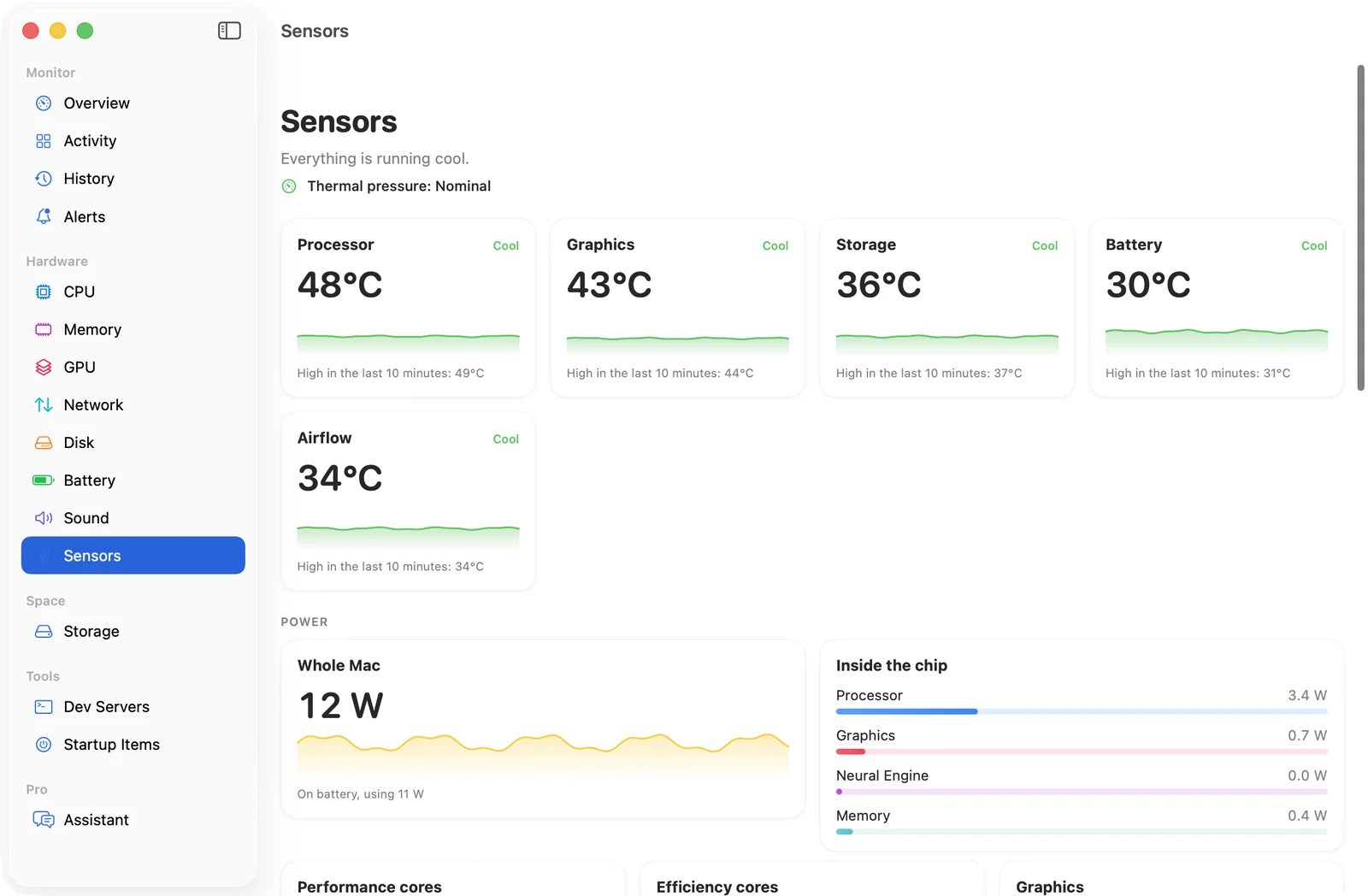
Apps, memory, swap, temperatures, startup items, crash loops, free space, and the quiet background work like indexing and backups.
Every suggestion comes with the numbers behind it. No made-up scores. If your Mac is fine, it says so.
Quit an app you haven't touched in hours, switch off a helper that keeps crashing, cool the chip down. Undo any of it.
Greedy background apps drop to background priority while you work, and get full speed back the moment you switch to them.
Works with OpenAI, Anthropic, Google Gemini, Mistral, xAI, DeepSeek, Groq, Together, OpenRouter, or fully offline with Ollama and LM Studio. Your key, your provider.
Spin them up before your Mac slows itself down. Control goes back to macOS when you quit, and above 95 °C.
At 62 °C the fans run at 33%
Drag the points. It's the same editor as in the app.
Including M5 Macs, which control their fans differently.
The only part with administrator rights. All it can do is set fan speeds.
If SystemWatch stops responding for 15 seconds, the fans go back to automatic.
SystemWatch for Mac
Lifetime license · up to 3 Macs
Launch price for the first 100 copies. Then $14.99.
100 of 100 launch copies left
Not for you? Full refund within 14 days.
One-time payment · Free updates · Secure checkout by Stripe
Everything included
$49.99 a year
SystemWatch Pro on the Mac App Store
or
$5.99 once
The website edition, with more features
| Website edition | Mac App Store | |
|---|---|---|
| Price | $5.99 once | Free, Pro $5.99/month or $49.99/year |
| Activity, history, alerts, storage | Yes | Yes |
| Fan control | Yes | No |
| Temperature sensors and power | Yes | No |
| AI Tune-Up and Efficiency Mode | Yes | No |
| Pause apps and change priority | Yes | No |
| Startup items | Yes | No |
| AI assistant | Your own provider | Built in with Pro |
Apple's sandbox doesn't let App Store apps control fans, read sensors or manage other apps. View on the Mac App Store
The price goes up to $14.99. The counter on this page comes straight from our sales. If you buy at $5.99, that's what you paid, for good.
Yes. If SystemWatch isn't right for you, email amelia@conecto.chat within 14 days of buying and you'll get a full refund, no questions asked. The license stops working once the refund goes through.
Yes. Only a small helper signed by us talks to the fans, and it only accepts SystemWatch. Above 95 °C the fans go back to macOS until the chip cools to 85 °C, and if SystemWatch quits or stops responding for 15 seconds, they go back to automatic.
Only for Tune-Up's AI pass and the assistant. Use a key from OpenAI, Anthropic, Google, Mistral, xAI, DeepSeek, Groq, Together or OpenRouter, or run a free model on your Mac with Ollama or LM Studio. Without one, Tune-Up still finds the usual problems on its own.
Yes. SystemWatch runs on Apple silicon and Intel Macs with macOS 15 Sequoia or later, temperatures and fan control included.
Up to 3 at a time, and you can move a license from one Mac to another whenever you like.
What every macOS process does, why it gets busy, and whether it's safe to quit.


